Gallery

The real app

Pictures of Porthole on an iPhone: the home shelf, the stores, a game's page, downloads, setup and a game starting up.
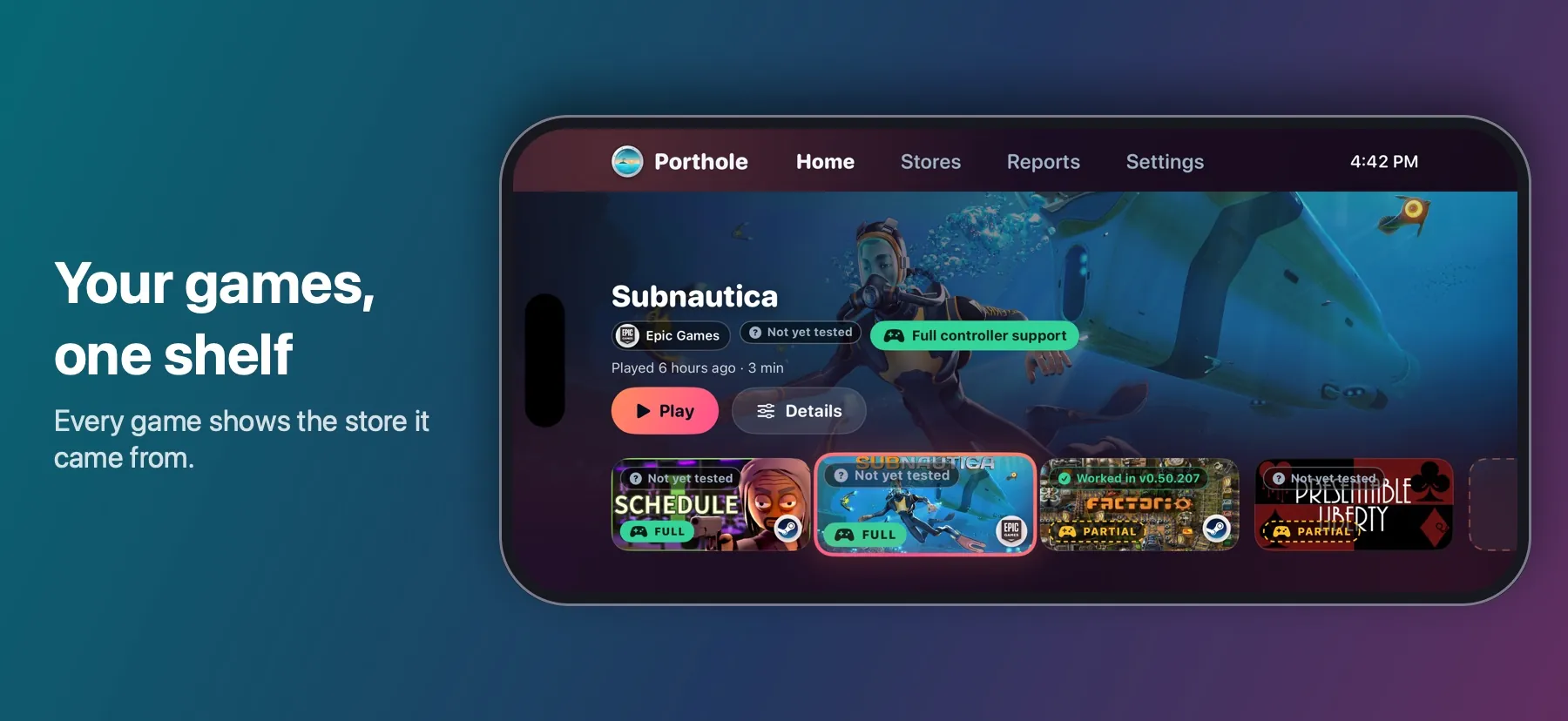
The Porthole home screen: Subnautica selected, with its store, compatibility and controller badges, Play and Details, above a shelf of games that each carry the logo of their store
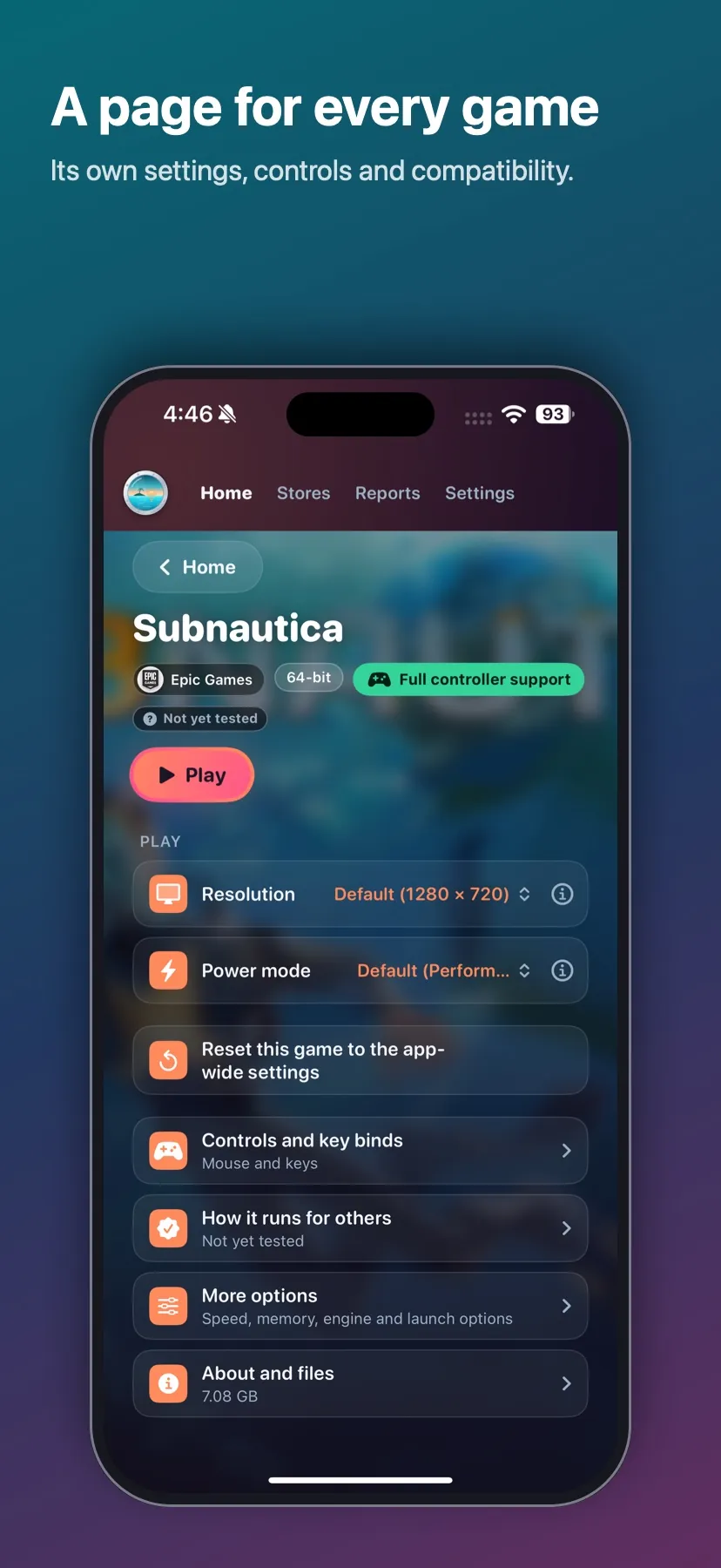
A game's page with its store, Play, Resolution and Power mode, and rows for controls, compatibility, more options and files
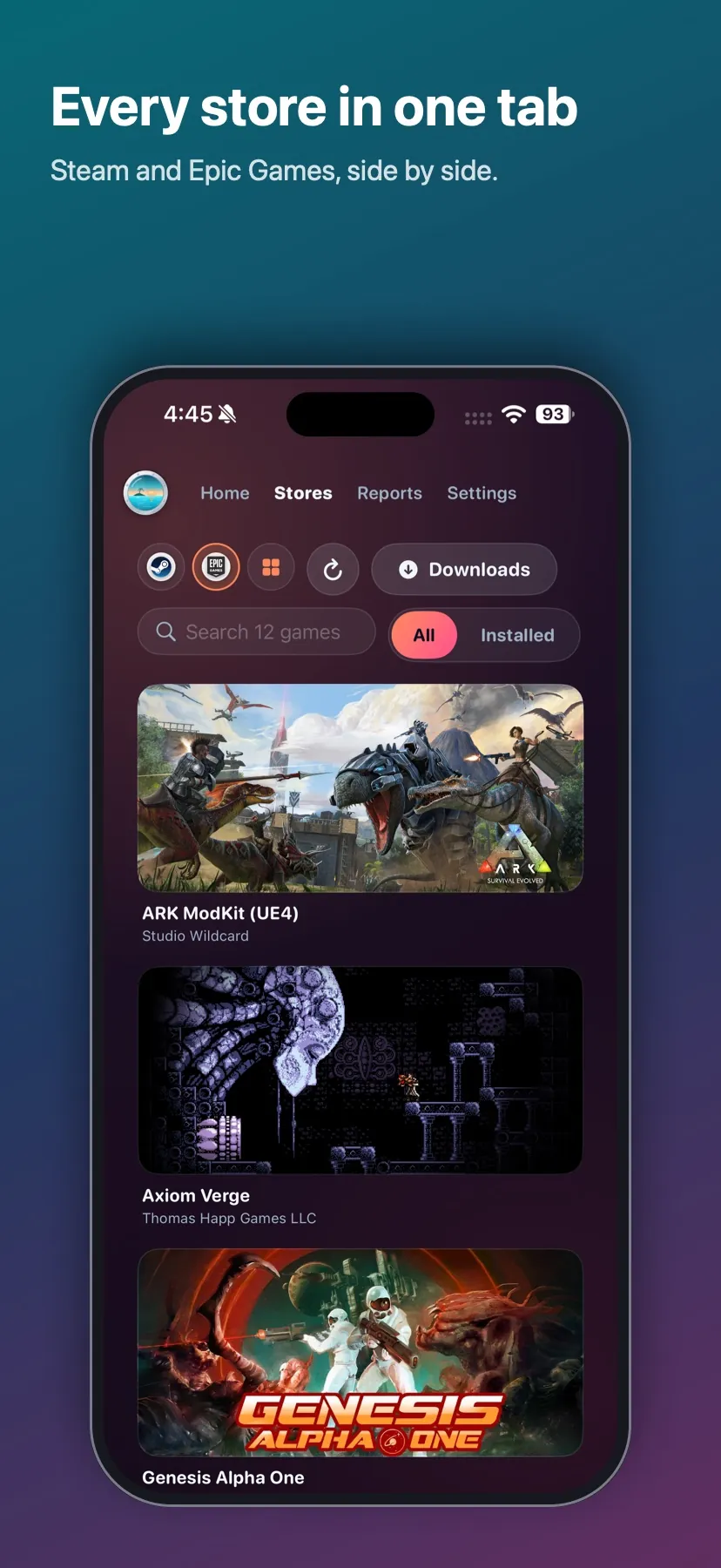
The Stores tab on Epic Games: a switcher for Steam, Epic Games and all games, a Downloads button, search and a grid of games
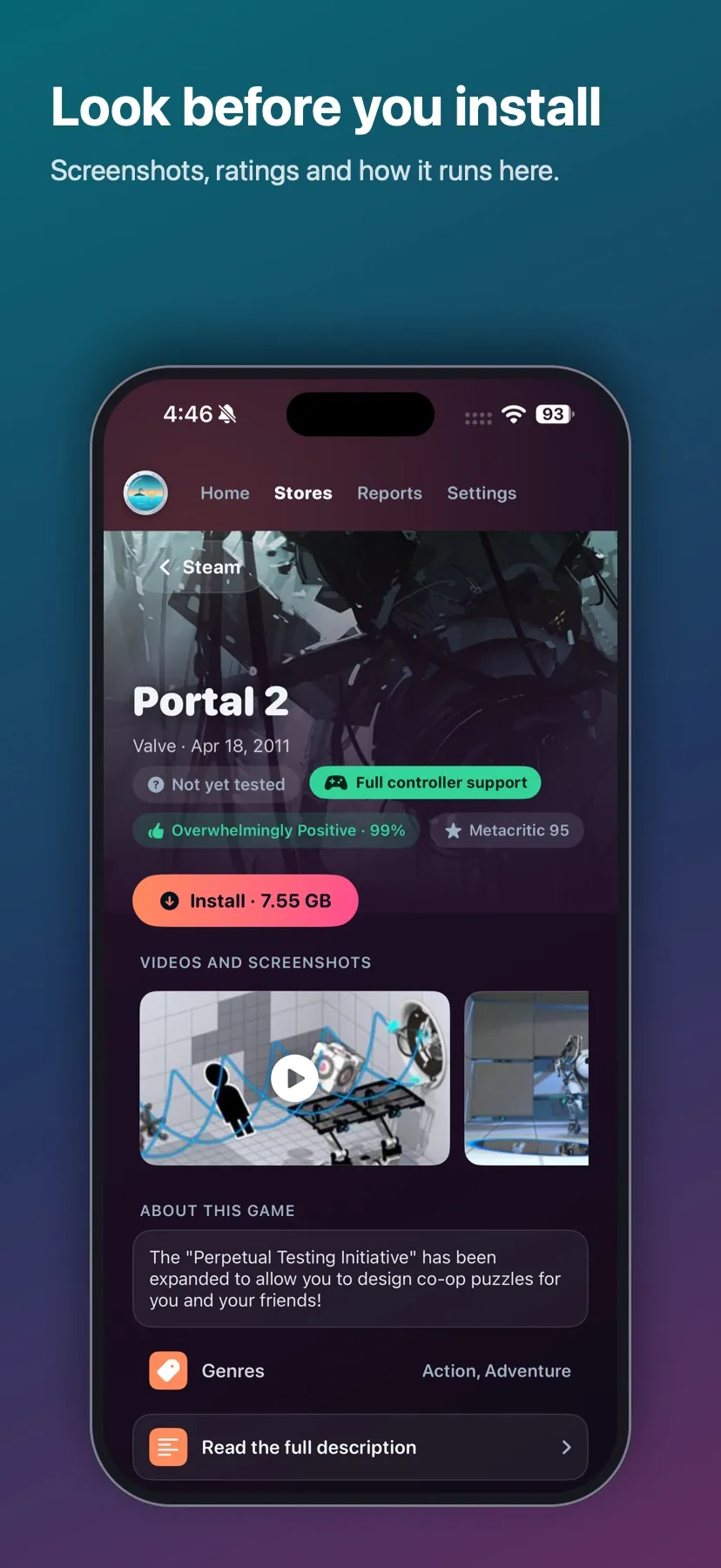
A game's store page with its controller support, rating and Metacritic score, an Install button and screenshots
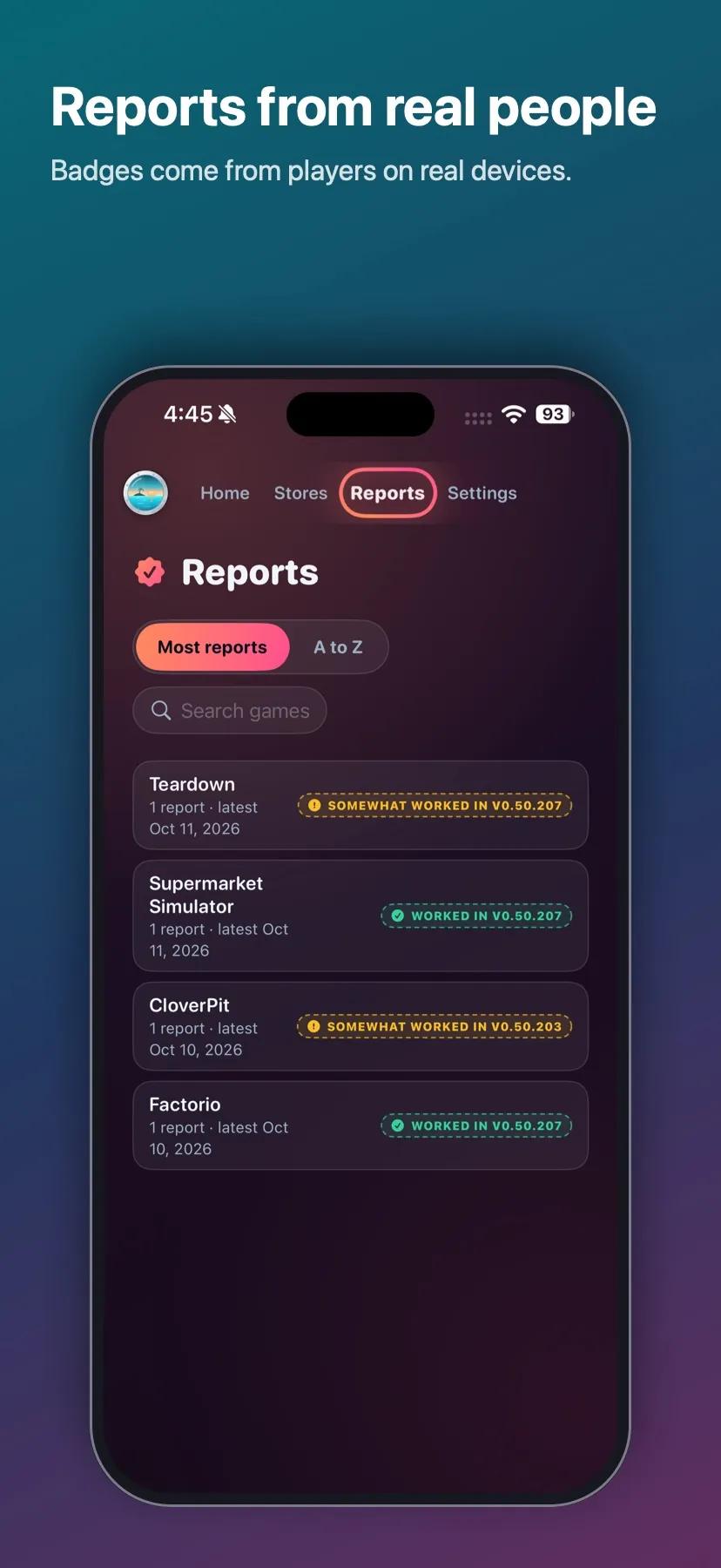
The Reports tab: games with the badge from their latest reports, such as Worked in v0.50.207
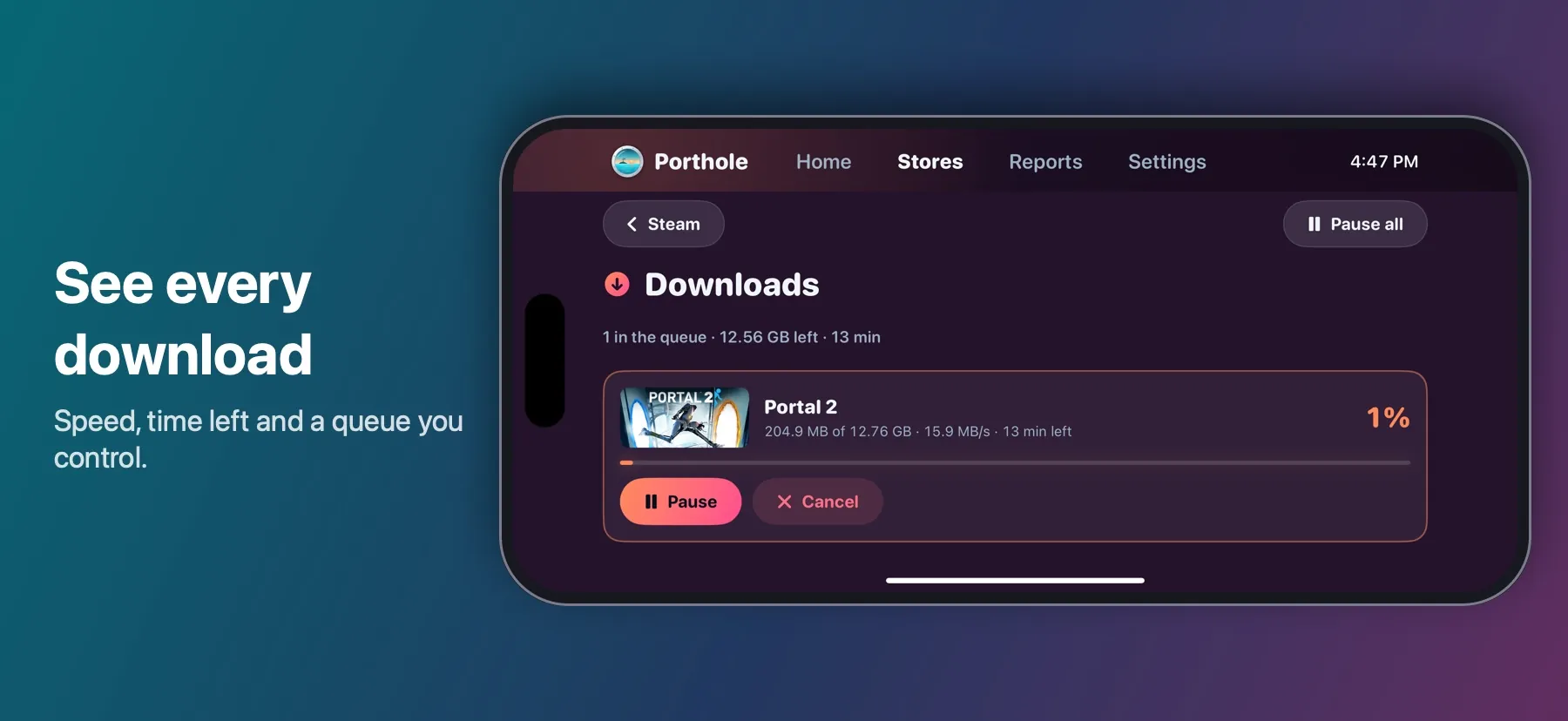
The Downloads page with a running download: the game, its size, speed and time left, with Pause and Cancel
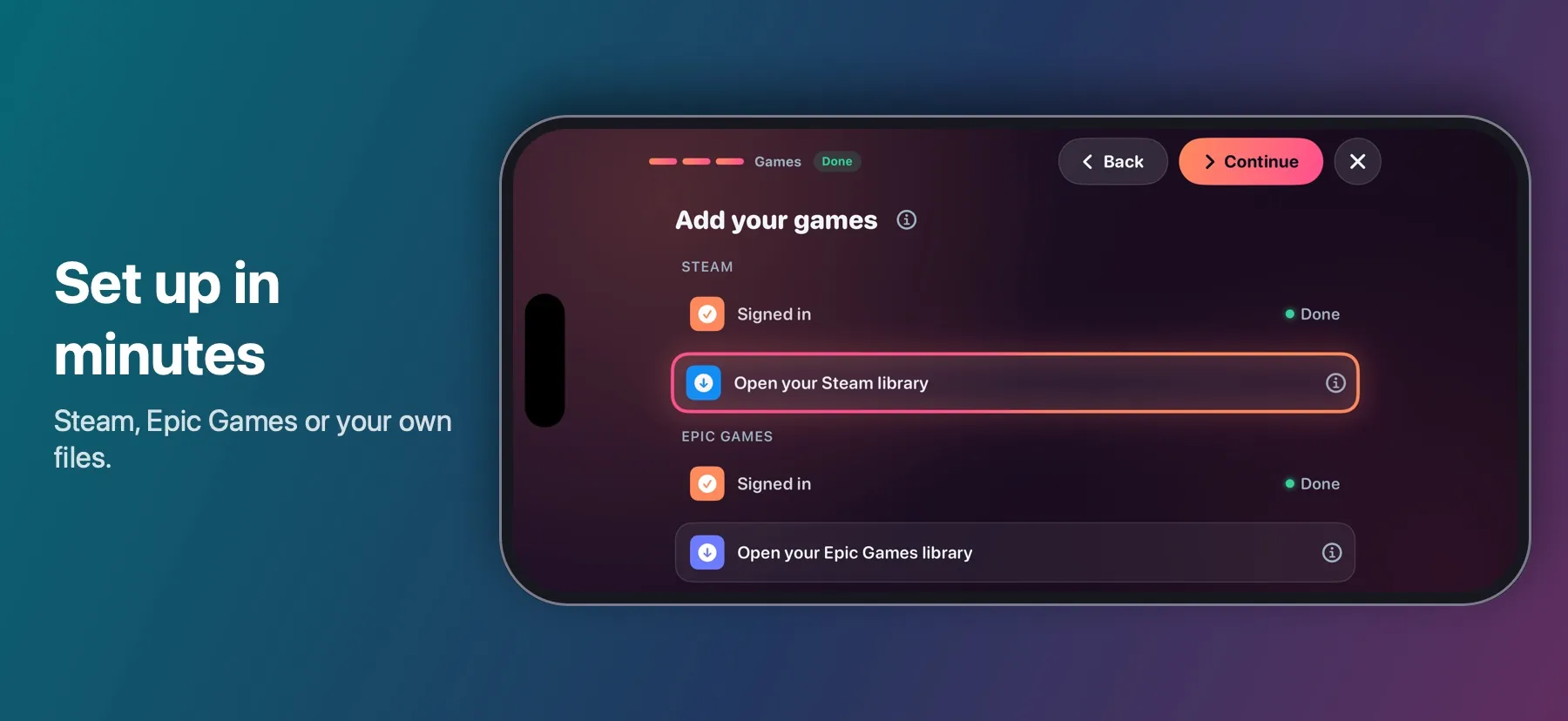
The setup guide's Add your games step with Steam and Epic Games signed in, and Back and Continue in the top row
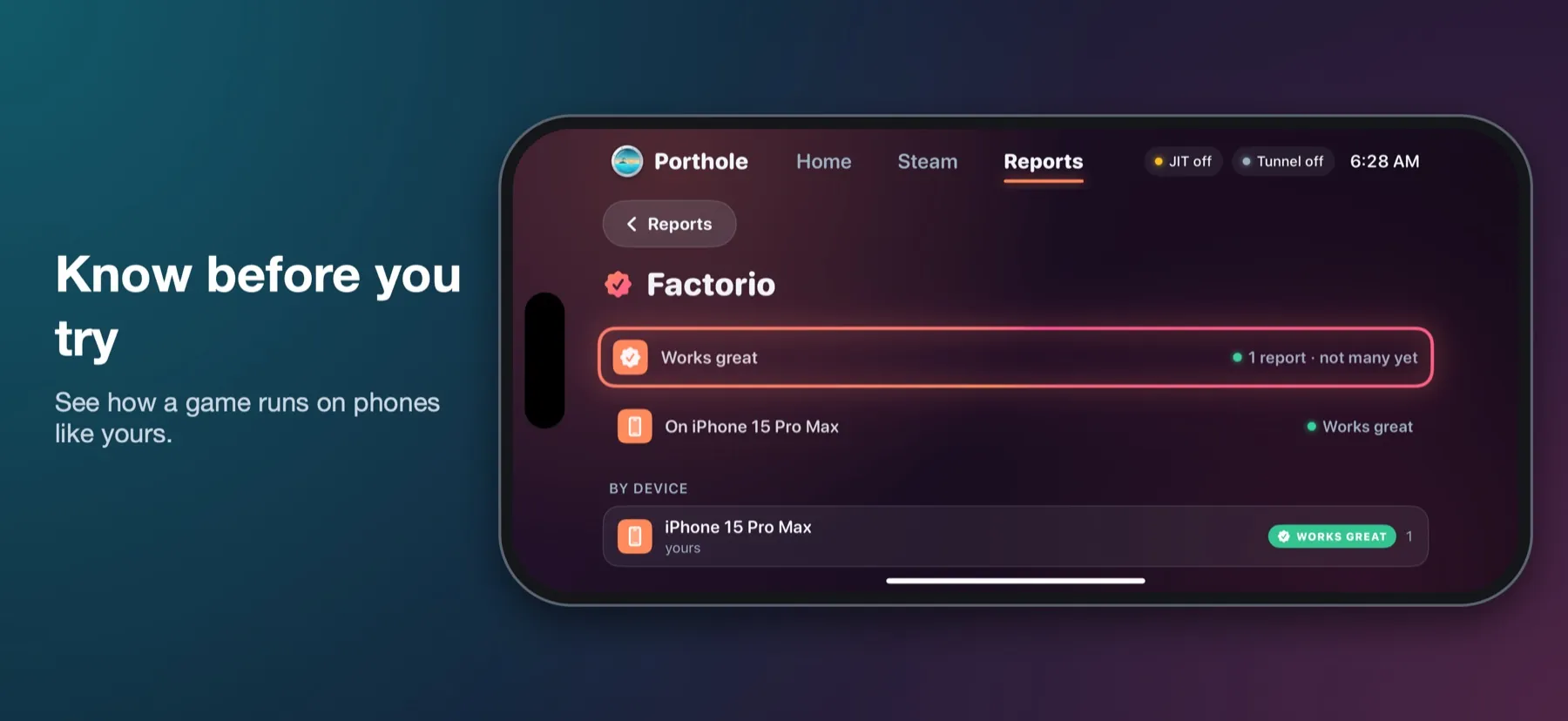
A game's compatibility page showing a Works great verdict and the result by device
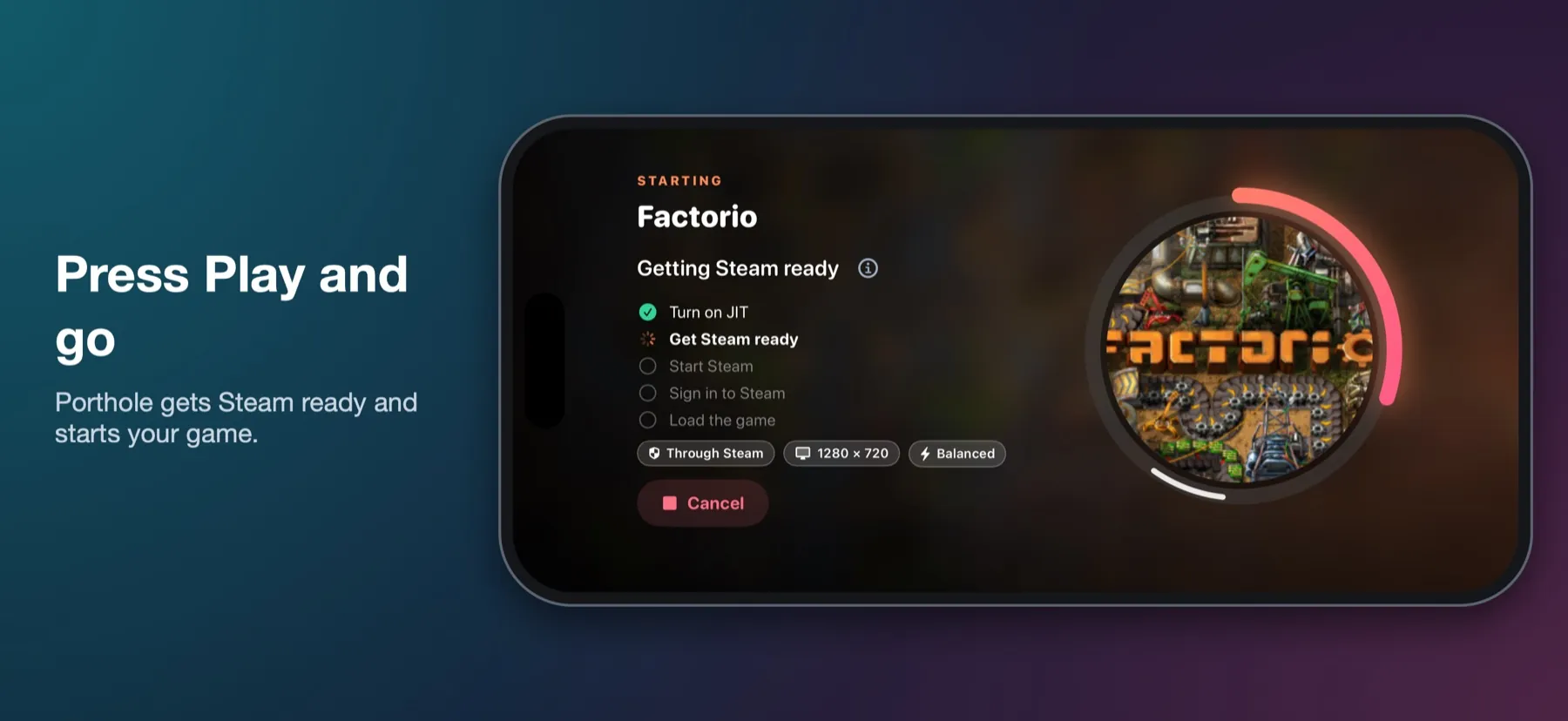
Launching a game: Porthole turns on JIT and gets Steam ready

Screenshots from an iPhone 15 Pro Max, with a drawn phone around them. Game artwork belongs to its owners.